


Free AI Infographic Generator
Paste your text or upload a doc. Venngage's AI turns it into an on-brand infographic in seconds—free, with no watermark and no design skills required.


Start with a template
Get started with a professionally designed template. You can either edit the template with AI or make manual changes.
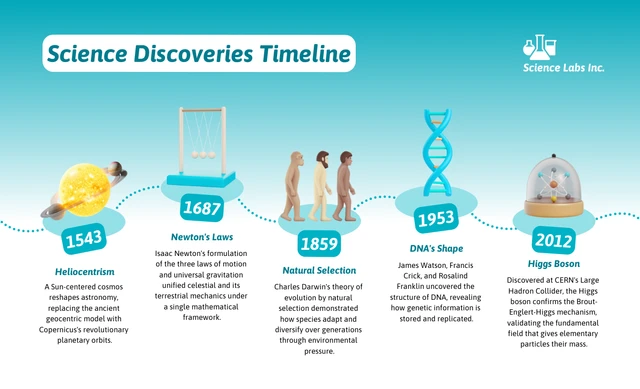
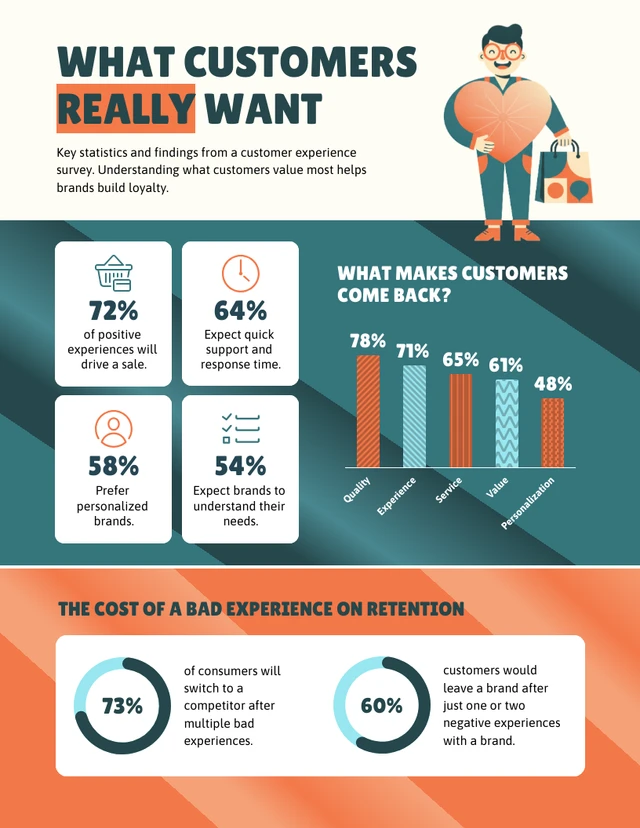
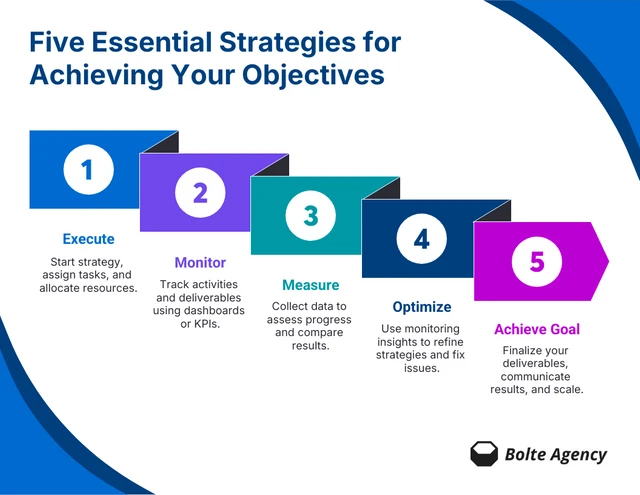
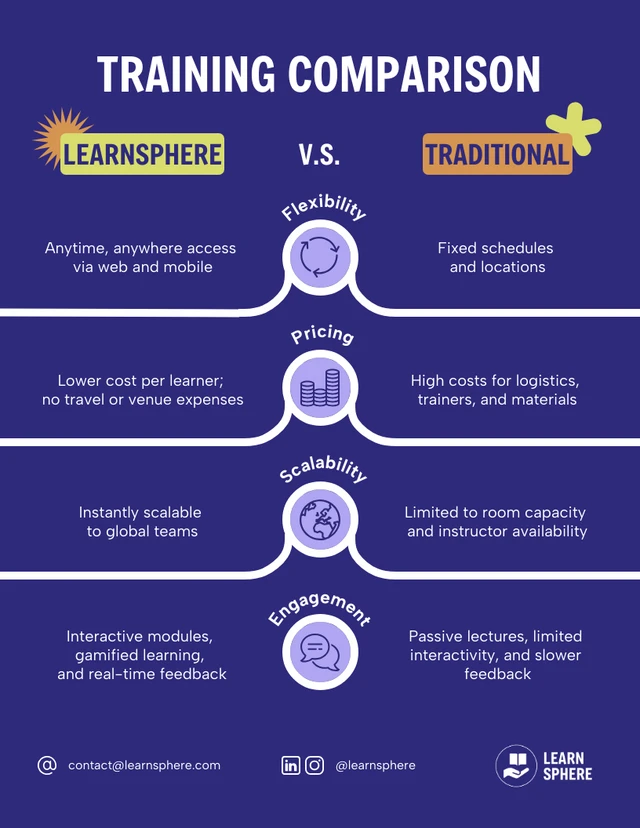
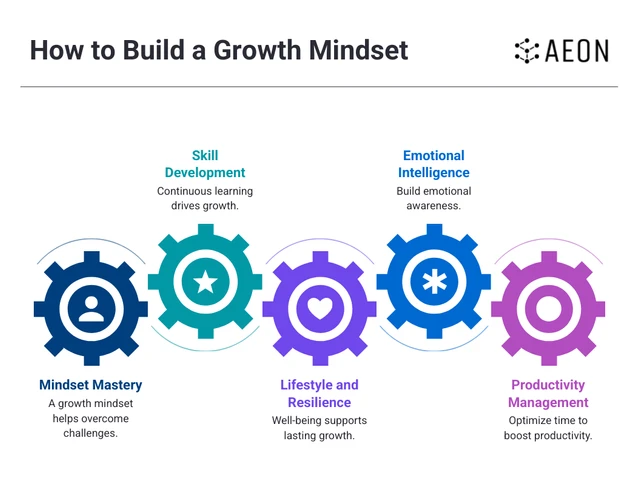
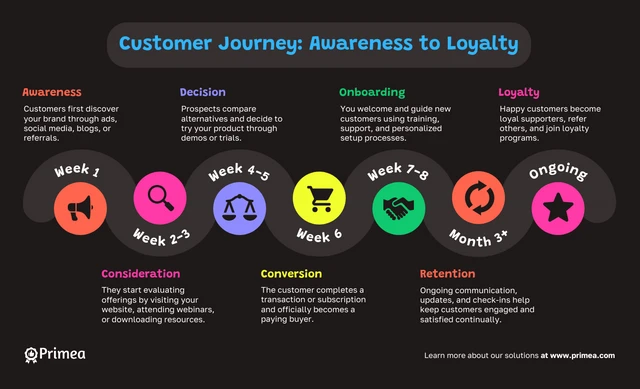
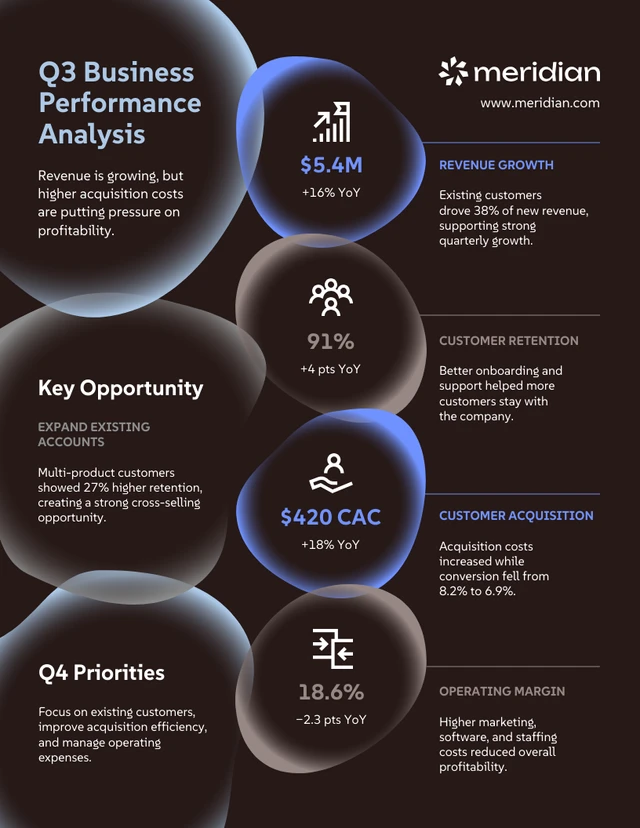
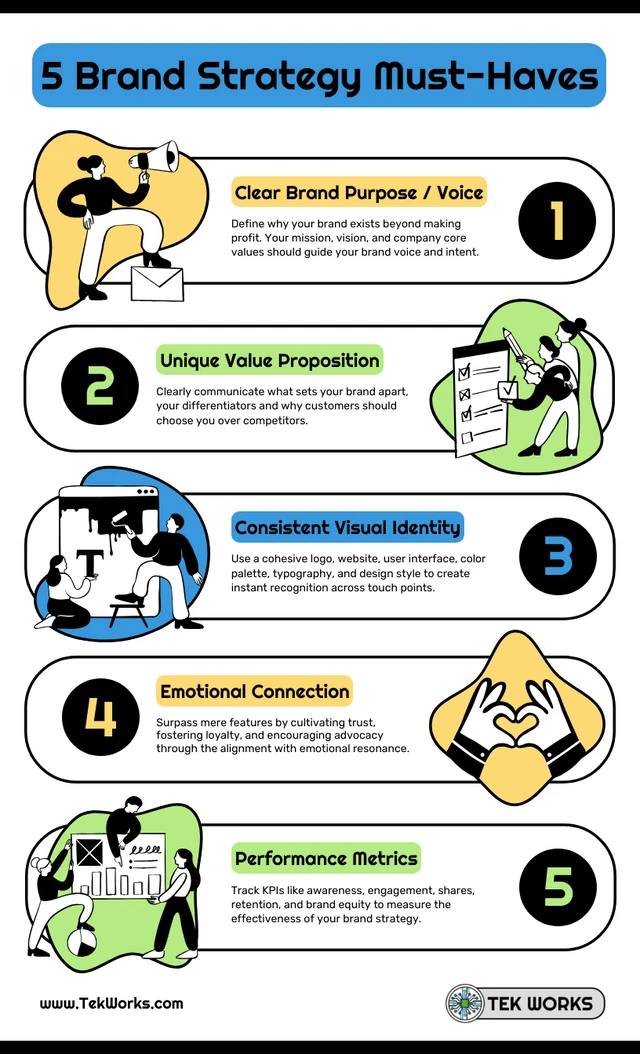
AI-Powered Tools
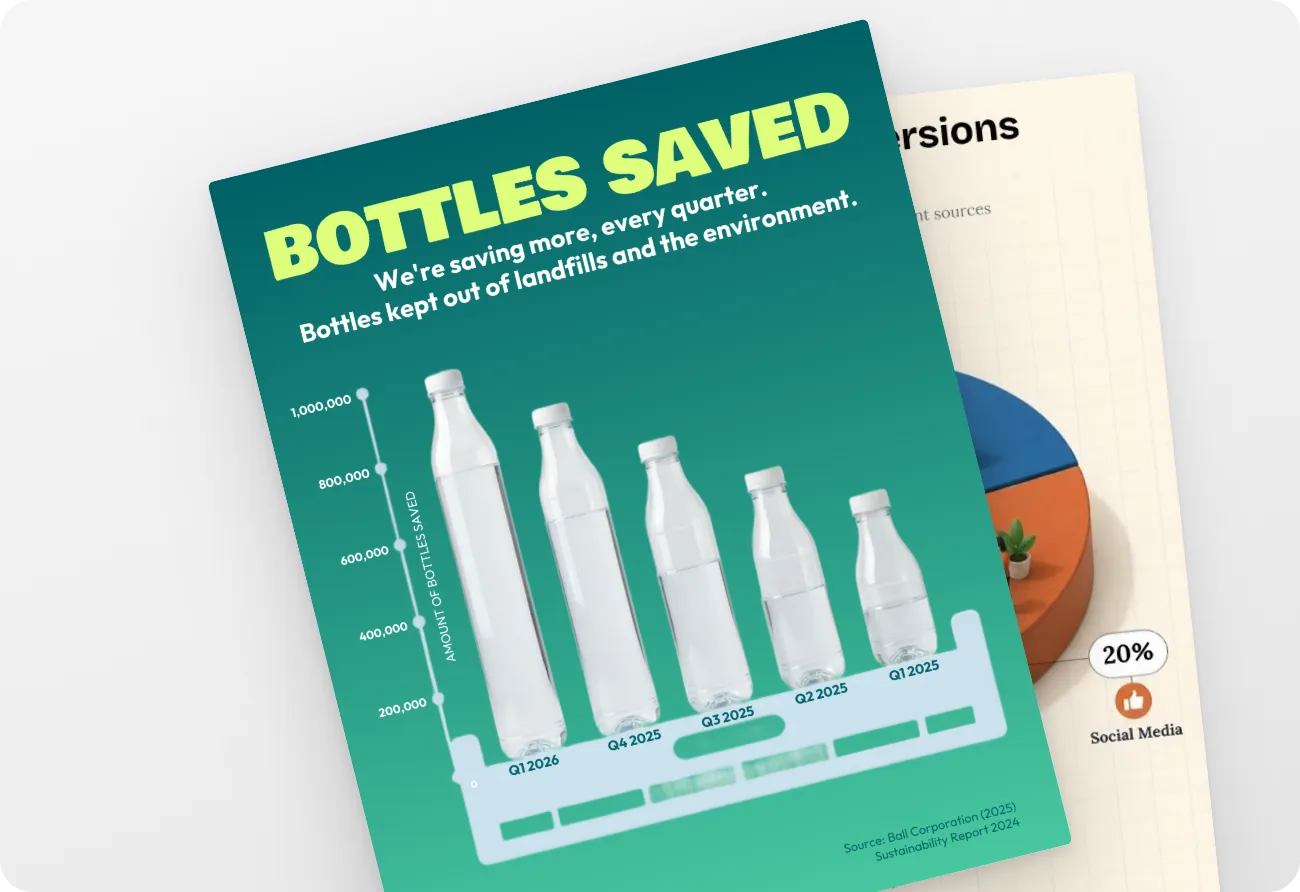
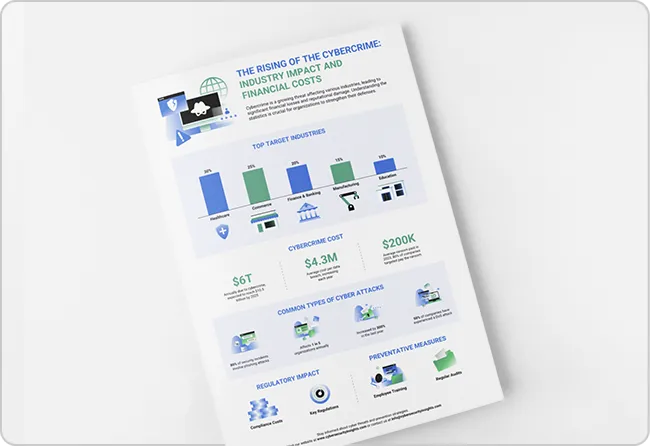
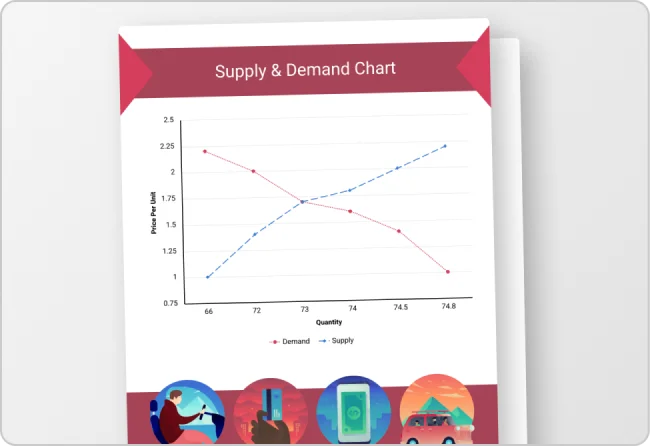
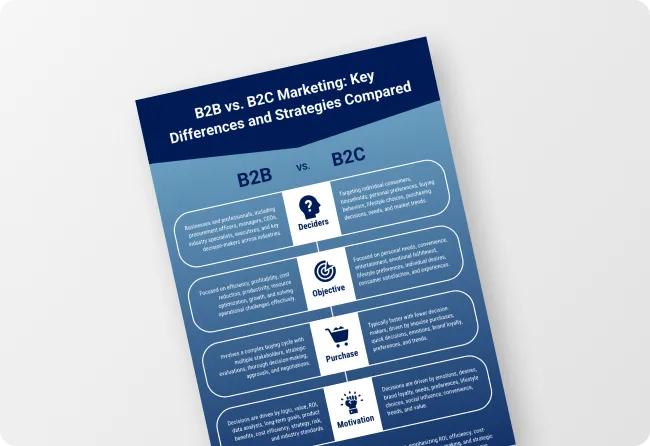
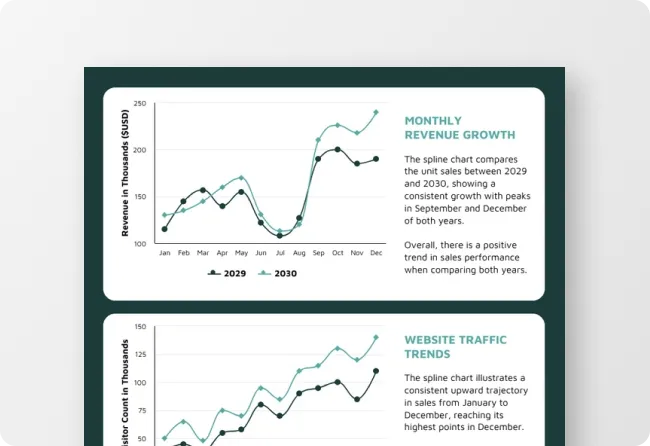
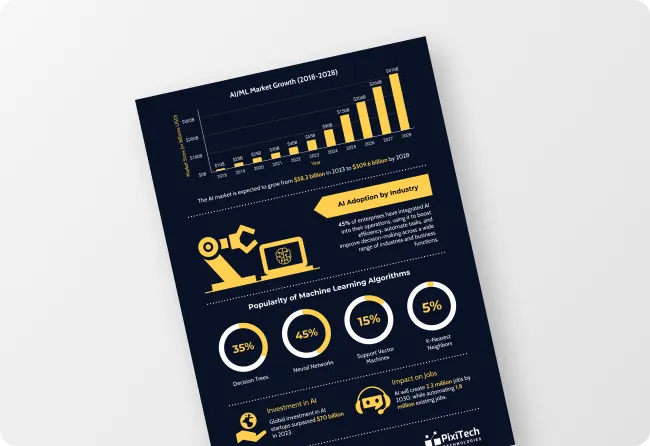
How to write a prompt that generates the infographics you want?
Name the type of infographic: process flow, timeline, comparison, stat block, framework diagram.
Add the actual content: paste the real steps, numbers, or points you want included. Instead of "make an infographic about our onboarding process," add the actual steps: "Step 1: discovery call. Step 2: signed contract," and so on.
Mention the channel: mention where you want to use the infographic. For example, a LinkedIn carousel, a printed report, a sales deck, a board presentation.
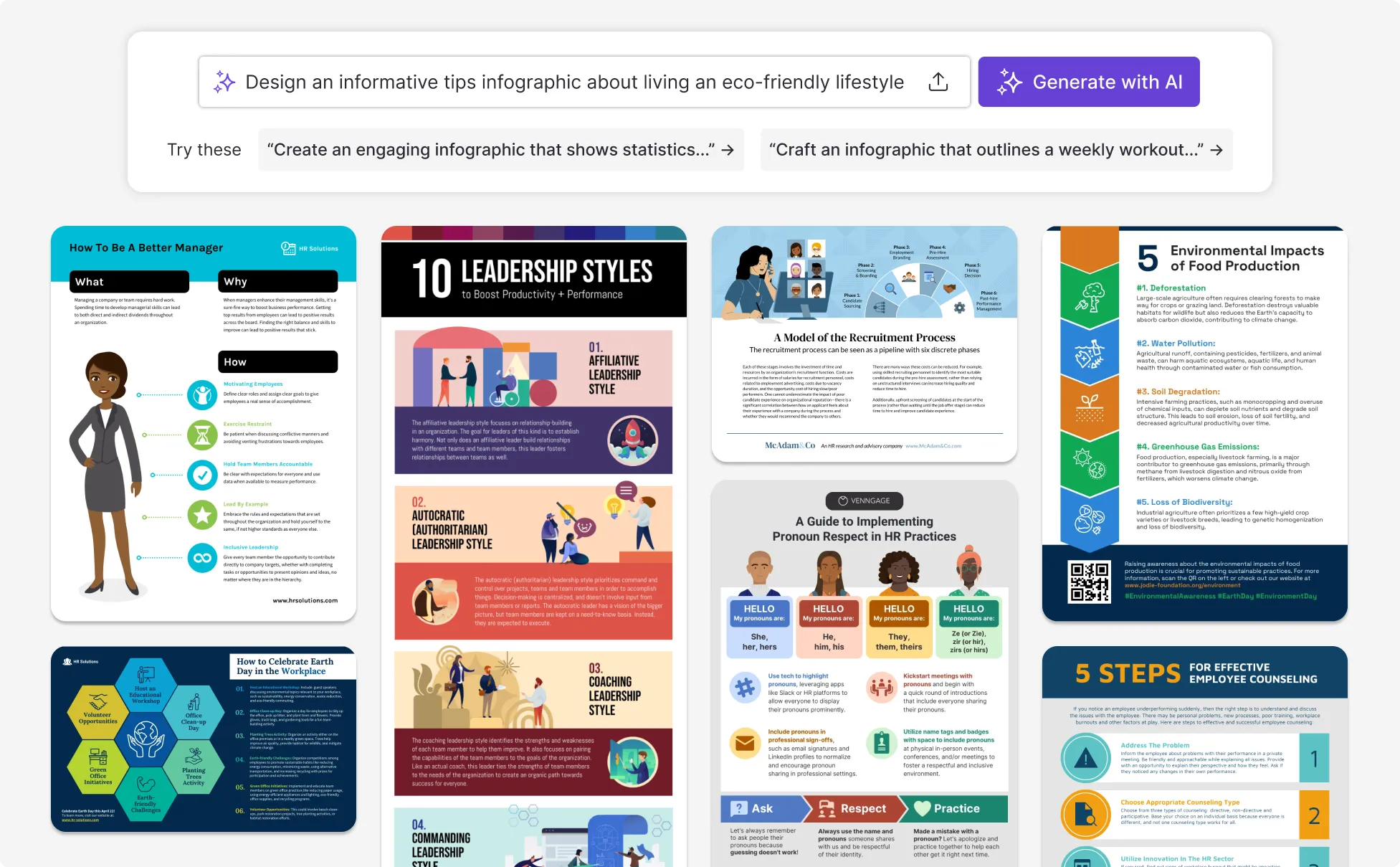
Sample Prompts You Can Modify and Use
“Create a Pictorial object-as-bar-chart infographic titled The Rising Cost of Everyday Life. Compare rent, groceries, gas, coffee, electricity, and dining out. Replace traditional bars with illustrated real-world objects whose heights encode percentage increases. Add bold percentages above each object, minimal labels, generous whitespace, and a polished editorial-poster aesthetic.”
“Create a Sculptural funnel / formal explainer infographic titled How AI Is Changing Jobs. Build the design around a large central 3D funnel showing four levels of AI job exposure, from low to very high. Add example careers, skills affected, side statistics, a comparison matrix, and a bottom reskilling journey. Use a polished institutional-report aesthetic.”
“Create an Illustrated editorial explainer with multiple scenes titled Why You’re Always Tired. Build a continuous visual story using illustrated scenes of late-night scrolling, poor sleep, caffeine use, work stress, and daytime fatigue. Combine oversized sleep statistics, one large circular chart, explanatory panels, and practical sleep habits in a bold magazine-feature layout.”
“Create a Central-person annotated awareness infographic titled What Social Media Does to Your Attention. Place a large illustrated smartphone user at the center, surrounded by notifications, feeds, likes, and messages. Connect annotated statistics on screen time, interruptions, focus, sleep, and phone checking to the central figure using lines, icons, and oversized numerical callouts.”
How to create infographics with AI
Step 1
Write a prompt and upload your file
Describe the infographic you want, like a process flow, report, framework, or comparison. Optional: If you have source content, attach a CSV, Excel sheet, PDF, or Word doc for the AI to use.
Step 2
Generate or pick a layout
Describe what you want to create and Venngage AI automatically chooses the best infographic type and layout based on your prompt. You can also start from one of 12,000+ infographic templates and set the page size for LinkedIn, print, presentations, or multi-page long-form content.
Step 3
Edit the data and visuals
Every AI-generated infographic is fully editable. Use conversational editing to ask the AI to rewrite text, change the layout, update visuals, or refine the design. You can also click any chart to edit its data or upload a new CSV, switch between chart types like bar, column, pie, funnel, pyramid, word clouds, and heat maps, or replace icons with AI-generated ones in 3D, bold, monotone, outline, or sticker styles.
Step 4
Apply your brand style and refine the copy
Click any text on the infographic to use the AI Writing Assistant, which can shorten, expand, or polish the copy. Ask the AI Designer to apply your brand colors and logos from your Brand Kit, and use the eyedropper to match exact hex codes when you need them.
Step 5
Export or share the infographic
Download the infographic as a PDF, PNG, PowerPoint, HTML file, or share a private link for collaboration, giving you a ready-to-use visual for reports, presentations, or campaigns.
Rollout maps and training visuals for internal comms and HR teams
A new policy, a benefits change, or a system rollout usually starts as a long internal doc on Notion or email that nobody reads completely. Building a visual to replace those documents is its own project, especially without a designer on the team.
Venngage's AI Infographic Generator takes care of the design work so the rollout stays on schedule. Paste your plan or upload the project doc, and it generates a multi-page infographic with a section for each phase. Replace icons, adjust copy, change the color palette, and add your company logo, and it's ready to share.
Generate AI Infographics
Explainer infographics and content summaries for marketers
Marketers use infographics across the content funnel: explainers for blog posts, lead-capture PDFs, social variants, and email visuals. Producing them one campaign after another is its own workload, and the design queue rarely matches the marketing calendar.
Venngage's AI Infographic Maker gives marketing a way to keep up with the calendar. Paste the campaign brief or upload a long-form post, and the AI creates an infographic with relevant sections, callouts, and icons. Use the Brand Kit to add your brand colors, fonts, and logo in one click so the infographic is on-brand without manual styling.
Generate AI Infographics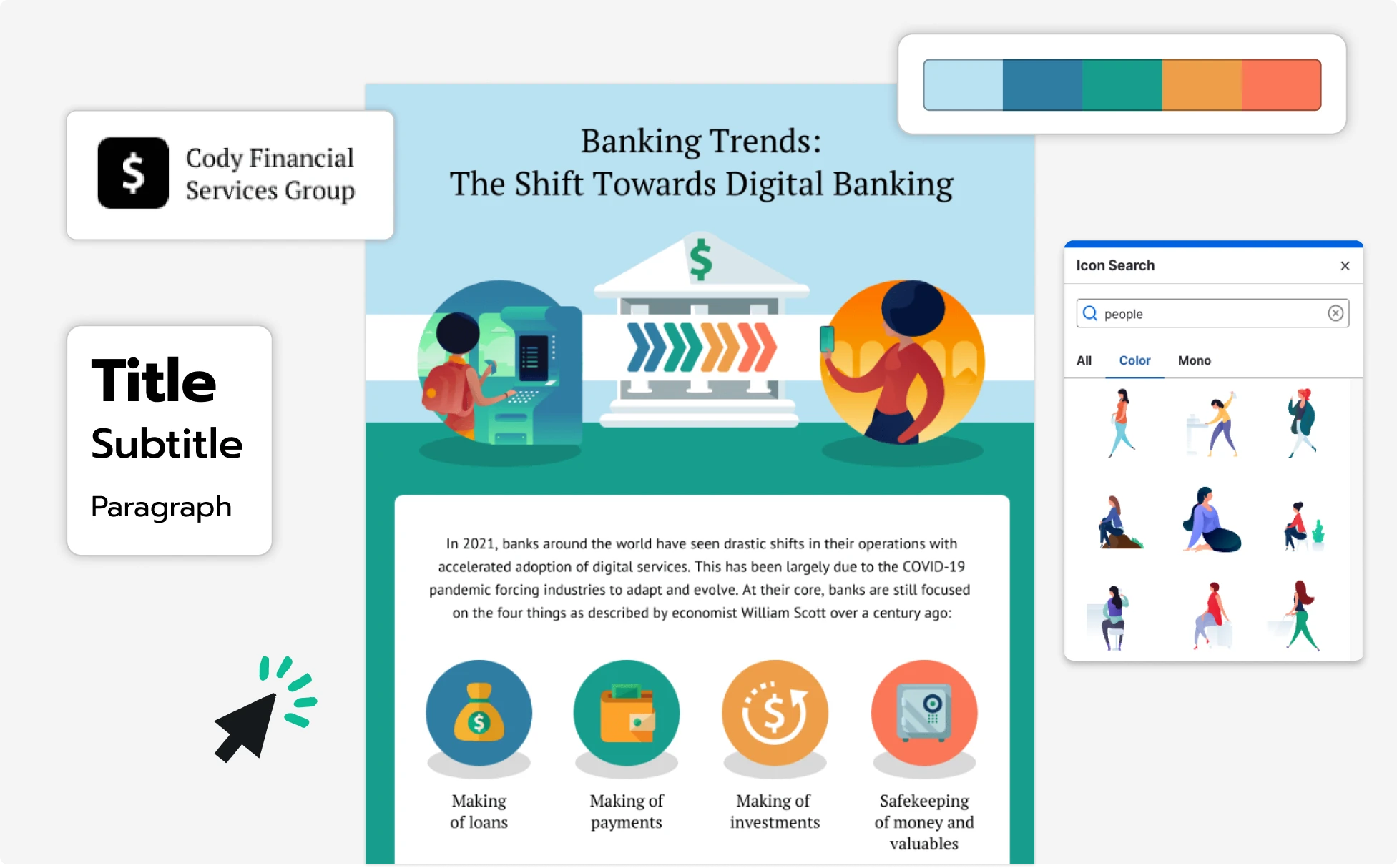
Framework and lead-capture infographics for consultants
A freelance consultant needs to constantly create frameworks, comparisons, and lead-capture content as infographics, for both clients and their own marketing. There's no in-house design support, and freelance designers come at a few hundred dollars per visual.
Venngage's AI Infographic Generator handles the layout and design, so you don't need a designer for each visual. Start from one of 12,000+ infographic templates or generate one from a prompt, and the AI creates a working file with sections, charts, and icons in place. Swap any icon for an AI-generated one in 3D, bold, monotone, outline, or sticker style, or generate custom royalty-free images for the visual without paying for stock.
Generate AI Infographics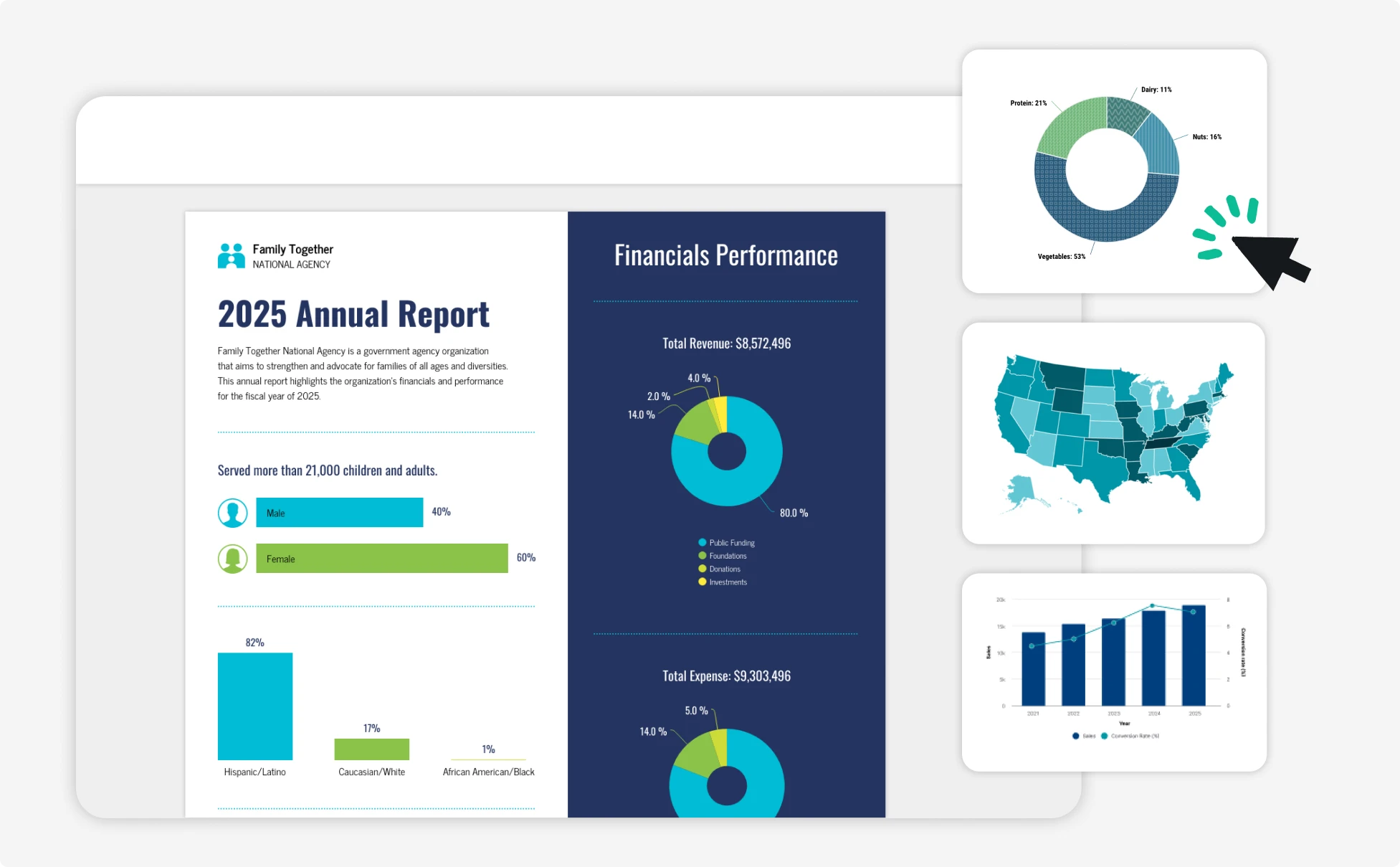
Fuel Your Creativity with AI-Powered Design Tools
Venngage lets you create infographics, flyer, brochure, reports, and more in a single tool. It's a favorite among professionals, educators, and marketers for a reason:
AI Branding Automation
Instantly extract brand colors, fonts, and styles. Auto-apply your logo and visual identity to every design for seamless brand consistency.

DesignAI Generator
Turn simple prompts into stunning professional visuals in seconds. Describe what you need in plain language and watch our AI generate layouts optimized for maximum visual impact.

AI Content Auto-Fill
Kickstart your design process in seconds. Choose a template and let our AI auto-fill it with relevant, on-brand content, ideal for streamlining workflow and boosting productivity.

AI-Generated Icons and Images
Create unique visuals that perfectly match your content and style. Generate custom illustrations, icons, and images that align perfectly with your brand.

AI Writer and Translation
Enhance clarity, rewrite content, and instantly translate text to create accessible, global-ready visuals.

Smart Accessibility AI
Ensure every project looks great and works for everyone. Use AI to write alt text check contrast, layout, and font readability, and export visuals and PDFs that fully comply with the Web Content Accessibility Guidelines (WCAG).


What Our Customers Say
Venngage is the easiest way I know of to make infographics.
FAQs
Yes. Venngage's free infographic generator includes 5 AI generations per day and full access to the infographic template library, with no credit card required. Upgrade to Premium or Business for private sharing, auto-branding, and higher monthly limits.
Yes, every AI-generated infographic is fully editable and can be further customized with AI. Change the text, swap chart types and data, adjust the layout, and replace icons or images. Apply your brand kit in one click, or fine-tune everything by hand in the editor.
AI can generate a wide range—timelines, fact sheets, reports, flyers, marketing infographics, and more. You can also pick from different styles to match your purpose and audience.
You can paste your text, research summary, or article into Venngage’s AI Infographic Generator or describe it in a prompt. The AI organizes the information into sections and generates a visual infographic layout that you can edit and customize.
Canva and Piktochart are design-first tools that handle infographics as one of many formats. Venngage is built specifically for infographics, with stronger data handling (direct CSV and Excel upload, editable charts and maps), full editability of AI-generated output, and built-in accessibility features.
Technically, yes—ChatGPT can generate basic infographic visuals using certain tools. But for more polished, customizable designs, platforms like Venngage are a better fit. They’re built specifically for visual content and offer templates, brand tools, and layout flexibility that go beyond what ChatGPT can do alone.
Paste your data or main points into the AI prompt. Venngage can auto-generate charts and suggest visual layouts for you. You can then customize everything from colors and icons to fonts to match your message or brand.
Yes, the AI-generated infographics created using Venngage's tools are copyright-free. You can use them for both personal and commercial purposes without any restrictions on copyright. However, we recommend that you confirm any externally sourced content you include is cleared for use.
Yes. Venngage has pre-sized templates for platforms like Instagram, LinkedIn, and YouTube. You can use vertical formats, create video-style infographics, and export in social-friendly file types.
Yes, Venngage offers a wide variety of infographic designs to suit different needs and preferences. Whether you're looking for something sleek and modern, or more detailed and data-focused, you'll find numerous options to choose from in our extensive template library.
A good infographic usually includes a clear title, key data points, short explanations, icons or visuals, and a logical flow that guides the reader through the information. Venngage’s AI Infographic Generator helps organize your content into sections so your data, insights, and visuals are easy to understand.
A common infographic size is 800x2,000 pixels or 600x1,800 pixels for web viewing because it works well for scrolling and sharing online. With Venngage, you can adjust the canvas size in the editor to create infographics for websites, reports, or presentations.
Venngage’s AI Infographic Generator can create many types of infographics, including statistical infographics, process infographics, timeline infographics, comparison charts, and informational infographics. These formats help explain data, summarize research, or present key ideas visually.
Yes. Venngage allows you to resize infographics to fit different social media formats such as Instagram, LinkedIn, or Pinterest. You can generate the infographic, adjust the layout in the editor, and export it as a PNG, PDF, or presentation slide for sharing online.